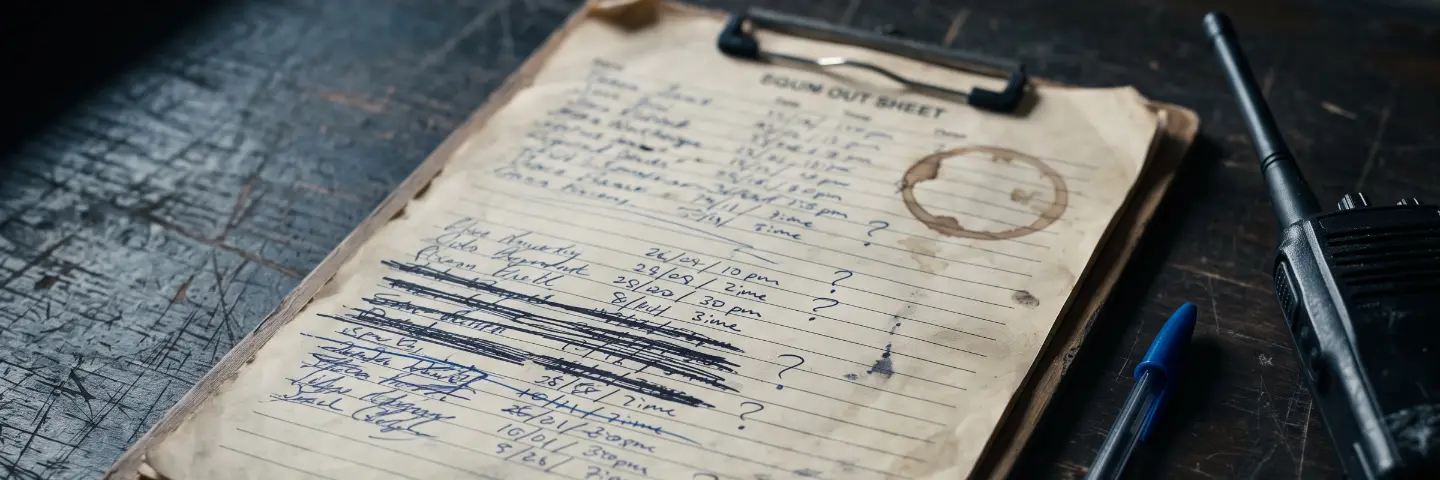
Most equipment tracking starts in a spreadsheet, and for a while, a spreadsheet is the right tool. A column for the item, a column for the count, a column for who has it. It's fast, it's free, and everyone already knows how to use it. The trouble is that a spreadsheet tracks quantities, and accountable equipment isn't really about quantities.
There's a real difference between knowing you have twelve radios and knowing that radio 04 is issued to the night shift, radio 07 is in for repair, and radio 11 hasn't been seen since the last rotation. The first is a number. The second is accountability. Quantity tracking can tell you something's missing; only serial-level tracking can tell you which one, who had it, and what state it was in.
A count tells you something is gone. A serial number tells you which one, and who had it last.
The moment a spreadsheet stops working is usually not dramatic. It's the day two people edit it at once and one set of changes silently overwrites the other. It's the row that gets deleted and takes its history with it. It's the point — somewhere past a couple of hundred rows — where nobody trusts the sheet enough to rely on it, so they start keeping their own side notes, and now there are three versions of the truth.
Serial-level tracking fixes this by giving every individual unit its own record — not a row in a shared file, but a record that carries its own status, its own condition, its current location, who it's assigned to, and its full lifecycle from the day it entered service. When something changes, the change is recorded against that unit, not typed over the top of the last person's entry.
The most common worry about making the switch is the migration itself — nobody wants to re-enter hundreds of items by hand. They shouldn't have to. A good system imports what you already have: point it at your existing spreadsheet or a CSV export, and it builds the individual records for you, so you keep your history instead of starting over.
What you get on the other side is a record that's ready when someone asks hard questions. "Audit-ready" isn't a marketing word here — it's the plain fact of being able to show, for any single unit, where it is, who has it, what condition it's in, and everything that's happened to it, without reconstructing any of it from memory.
A few things are worth getting right from the start, because they're painful to fix later: don't let two units share a serial number, don't allow records that point at nothing, and never rely on a system that lets a unit's history be deleted along with the unit. Individual accountability only works if the individual record is protected.
This is what the Registry in GearLogs is for. Turn on serial tracking for an item and each unit becomes its own record — status, condition, holder, and history — while the gear that genuinely is just a count stays a simple count. You import what you already have, and nothing loses its history along the way.