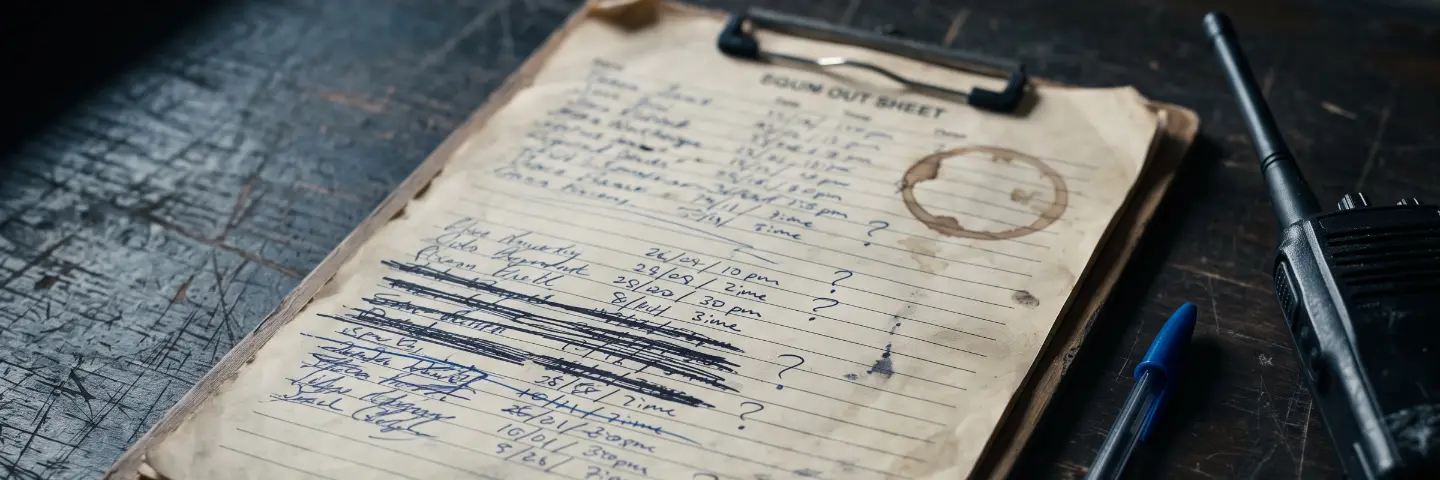
A sergeant is leaving the unit on Thursday. The clerk at the store-room counter opens his record, presses Archive, and something flickers at the bottom right of the screen. By the time she looks, it is gone. The record is still there. She presses Archive again. Flicker. Gone. She tries a third time, slower, and catches four words of it: “cannot … holding … assets”. Ah. He still has a radio out. Fair enough — but she has now spent a minute learning something the software knew before her first click, and she learned it by reflex, not by reading.
That flicker has a name in the trade — a toast — and it is the wrong tool for a refusal. A toast is fine for “saved”. It is a poor way to say no, because a refusal is exactly the moment the person needs to stop, read, and decide what to do instead. Putting it in a corner, on a timer, is how you get three identical clicks and a fourth one that finally hits something else.
Three habits separate systems that refuse well from systems that merely refuse. None of them costs the builder much. All of them cost the operator a great deal when they are missing.
First: refuse in place, and leave the door open. When the clerk presses Archive on a man who still holds a radio, the right response is the same dialog she asked for, with the reason written across it in red and the button greyed. She can read it at her own pace. She can see the name of the thing she was about to do and the sentence that stops her. Nothing vanished and nothing has to be repeated. The dialog is still there when she comes back from the shelf with the radio, ready to go the moment the reason no longer applies.
The same goes for the last administrator of a workspace, a storage location that is still in use, a login someone is not allowed to delete. In each case the temptation for a builder is to grey the button and say nothing, or to say something briefly somewhere else. Both leave the person guessing.
A greyed button with no sentence is a locked door with no sign.
Second: never trim — say the limit. Most software quietly cuts what does not fit. Paste a 5,000-character note into a box that holds 4,000, and the last thousand simply do not arrive; nobody tells you, and you find out when the recipient asks what happened to the end. Cutting text is a decision the software has made on your behalf without saying so. The honest version is two things at once: a counter that turns red, and a plain line beside it — “this is over 4,000 characters” — with your whole text still in the box, untouched, waiting for you to decide what to shorten. The same rule scales down to a name field: if forty characters is the cap, refuse the forty-first with a sentence, not a silent snip.
Third: warn, and say what to do. Some refusals are about safety rather than rules. When several wrong recovery codes are tried on an account in a few minutes, a system has to do something. Saying nothing is the worst answer: the person whose account it is would be the last to know. The better answer is a notice that reaches the people who can act: tell the account, tell its administrators, name the member by their code — and say the next step in plain words. If it was not you, change your password and tell your administrator. The people who need to know, know, and they know what to do.
What these three have in common is respect for the person at the counter. A refusal is information. It belongs where the person is looking, in words they can read twice, with the way forward still visible. It should never be a puzzle assembled from three flickers, and it should never quietly do something — cut, drop, change — that the person did not ask for.
This is how GearLogs handles a no. Archive someone who still holds gear and the dialog opens anyway, says why in red, and greys the button until the gear is back. Try to delete the last administrator, or a location still in use, and you get the same treatment: the reason, in the box, in place. Paste too much into a support message and the counter turns red and says by how much, with nothing cut. Type a name past its cap and the workspace refuses it rather than shortening it. And a run of wrong recovery codes reaches the account and every administrator as a notice — and the email that comes with it says what to do if it was not them.
The clerk still cannot archive the sergeant on Thursday morning. But she knows why on the first click, she knows what to do about it, and the radio is back on the shelf by lunch.